2026-02-05
| 4 minutes
Weather apps are great at telling you the facts: temperature, wind, humidity, chance of rain… But they don’t tell you what you actually need to know in the moment:
“Should I grab the big coat, the light jacket, or nothing at all?”
Sure, I can see out the window whether it’s raining or not, but temperature? That’s hard to nail down at a glance.
Or at least, it used to be hard.
Now I have a servant for that.
◇◆◇◆◇◆◇◆◇◆◇◆◇◆◇◆◇◆◇
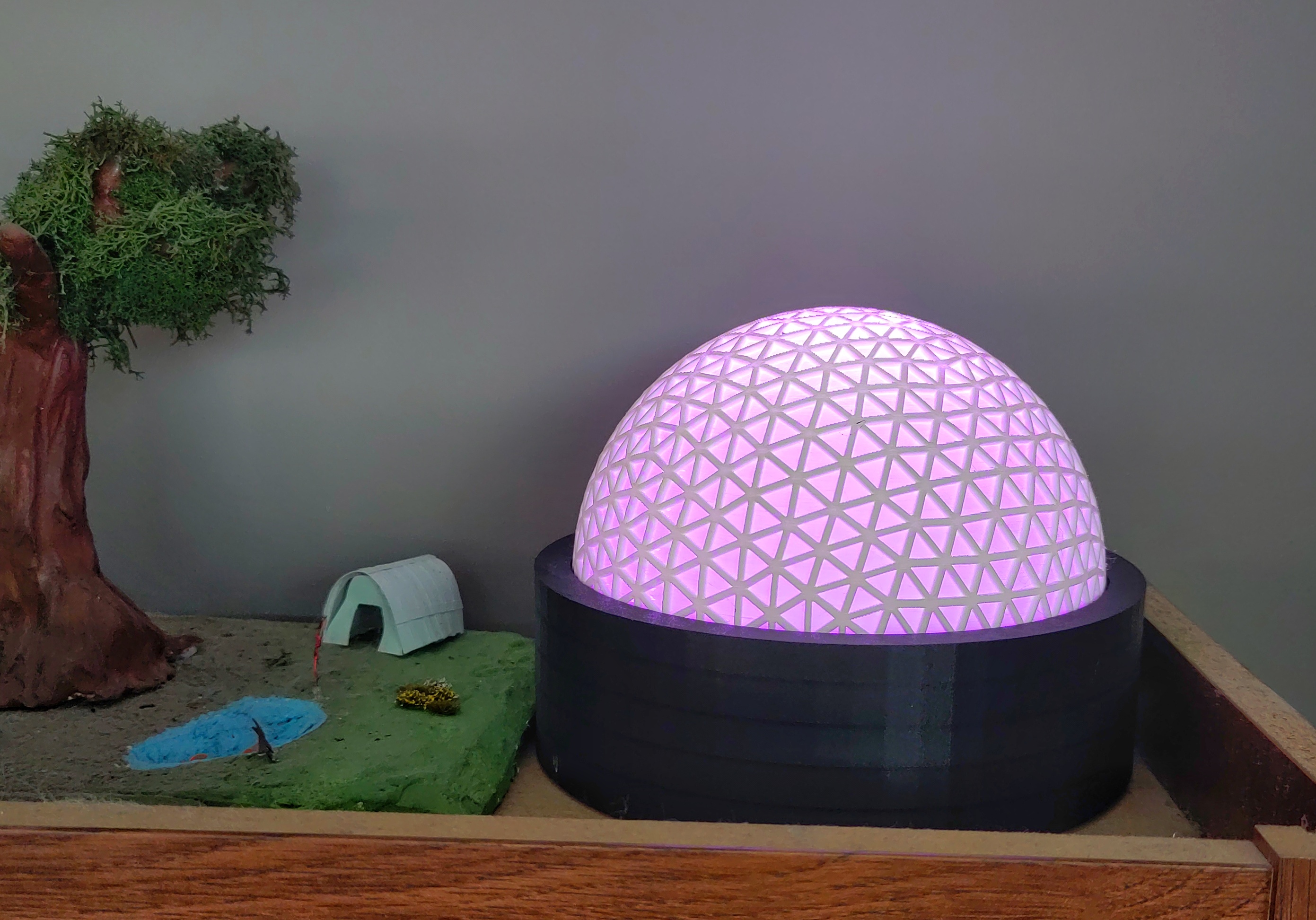
I call it my MajorDomo, but unlike a weather app, it doesn’t show me data. It shows me a decision. All that brain-time I’ve spent in the past, deciding what to wear? The results were always the same, given the same inputs, which are precisely the kind of decisions that can be delegated.
All I had to do was assign each temperature band that needed a different clothing choice to a distinct color:
-
Red → hot = hat and water
-
Yellow → warm = a light t-shirt
-
Lime → cool = a light jacket
-
Green → chilly = a sweater
-
Cyan → cold = light winter coat
-
Blue → very cold = heavy winter coat
-
Purple → dangerous cold = layer up and cover everything
No mental math. No second-guessing. Now I just glance at MajorDomo and he tells me what I’ve already decided.
Why a Geodesic Dome?
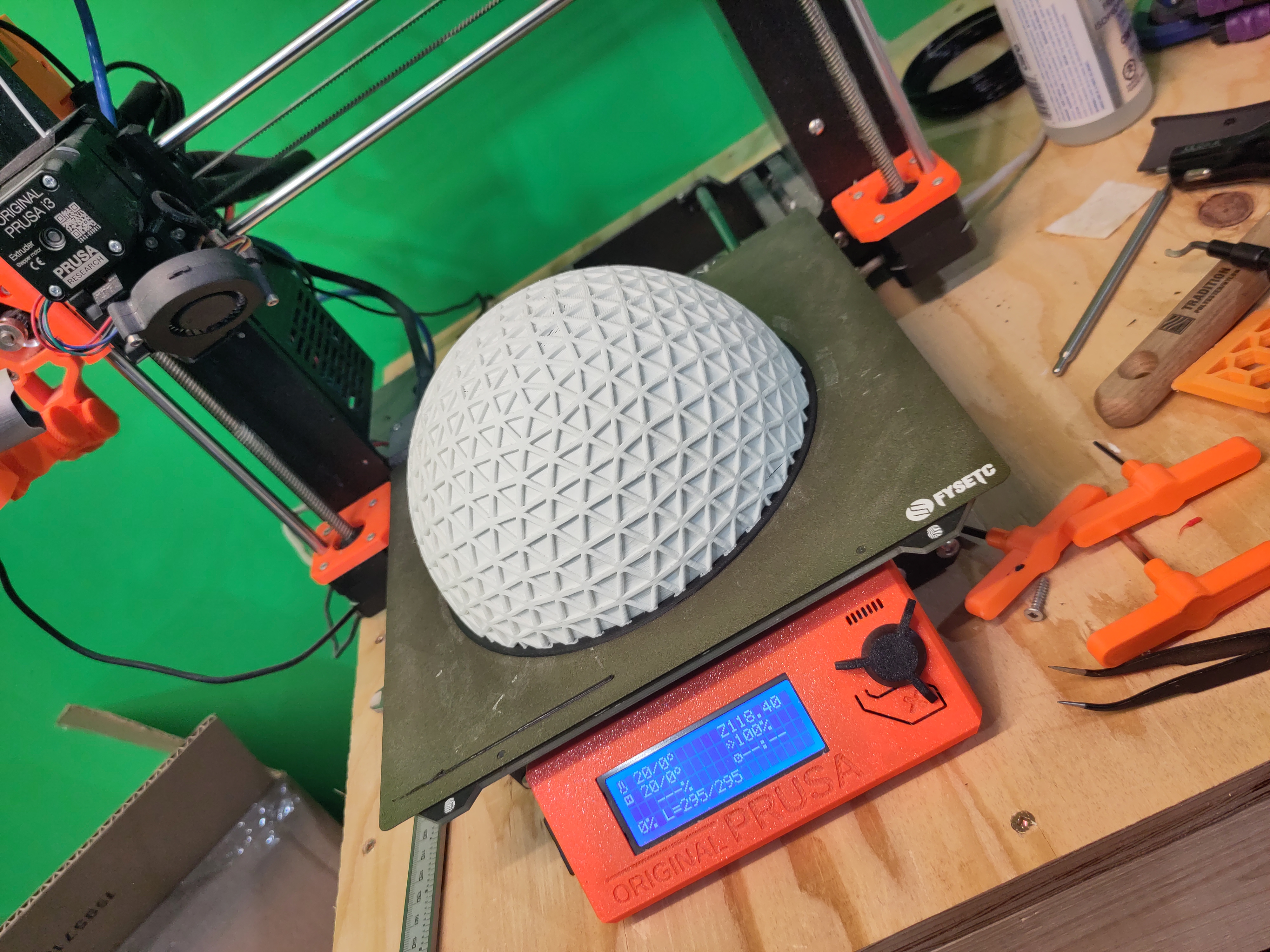 Partly because it looks great, but mostly because the faceted dome diffuses the RGB light in a way that makes the color feel like a signal rather than glaring illumination. Less like a bare bulb and more like a small tool sitting by the door. Or maybe a piece of art.
Why can’t it be both?
How It Works
MajorDomo is basically a Wi-Fi RGB bulb wearing a hat and driven by Home Assistant.
Once every minute, HA looks up the temperature, consults my color scale, and then sets the color of the bulb.
And since I don’t go out in the middle of the night, I’ve set a schedule to turn it off completely in the wee small hours.
Hardware
You’ll need:
-
an empty filament spool
-
a Wi-Fi RGB bulb (Tuya in my case)
-
a simple lamp socket
-
a 3D printed geodesic dome
-
Home Assistant with:
-
an outdoor temperature sensor or local weather report
No custom electronics.
Software
The project is driven by a single Home Assistant automation YAML file. Just install it in your HA system and tell it which sensors to use.
This file will show you my weather choices, but you’ll probably want it showing yours, so change the temperature thresholds and colors to match your clothing decisions.
Then just sit back and let your servant do his job.
It’s what he lives for.
The YAML
alias: MajorDomo Weather Lamp

description: Discrete temperature colors with fixed brightness and schedule

triggers:

  - entity_id: sensor.saskatoon_temperature

    trigger: state

  - minutes: /1

    trigger: time_pattern

actions:

  - variables:

      now_str: "{{ now().strftime('%H:%M:%S') }}"

      in_window: "{{ on_time <= now_str < off_time }}"

  - choose:

      - conditions:

          - condition: template

            value_template: "{{ not in_window }}"

        sequence:

          - target:

              entity_id: "{{ lamp_entity }}"

            action: light.turn_off

      - conditions:

          - condition: template

            value_template: "{{ in_window }}"

        sequence:

          - variables:

              temp: "{{ states(temperature_sensor) | float }}"

              rgb_color: |

                {% if temp < t_very_cold %}

                  {{ color_very_cold }}

                {% elif temp < t_cold %}

                  {{ color_cold }}

                {% elif temp < t_cool %}

                  {{ color_cool }}

                {% elif temp < t_mild %}

                  {{ color_mild }}

                {% elif temp < t_warm %}

                  {{ color_warm }}

                {% elif temp < t_hot %}

                  {{ color_hot }}

                {% else %}

                  {{ color_very_hot }}

                {% endif %}

          - target:

              entity_id: "{{ lamp_entity }}"

            data:

              brightness_pct: "{{ brightness_pct }}"

              rgb_color: "{{ rgb_color }}"

            action: light.turn_on

variables:

  lamp_entity: light.weather_lamp

  temperature_sensor: sensor.saskatoon_temperature

  on_time: "07:00:00"

  off_time: "23:00:00"

  brightness_pct: 80

  t_very_cold: -25

  t_cold: -15

  t_cool: 5

  t_mild: 15

  t_warm: 25

  t_hot: 30

  color_very_cold:

    - 128

    - 0

    - 255

  color_cold:

    - 0

    - 0

    - 255

  color_cool:

    - 0

    - 255

    - 255

  color_mild:

    - 0

    - 255

    - 0

  color_warm:

    - 128

    - 255

    - 0

  color_hot:

    - 255

    - 255

    - 0

  color_very_hot:

    - 255

    - 0

    - 0

mode: restart