
Plim passed a significant milestone today. In an important validation of its entire design, not one, but two core concepts were confirmed in the wild.
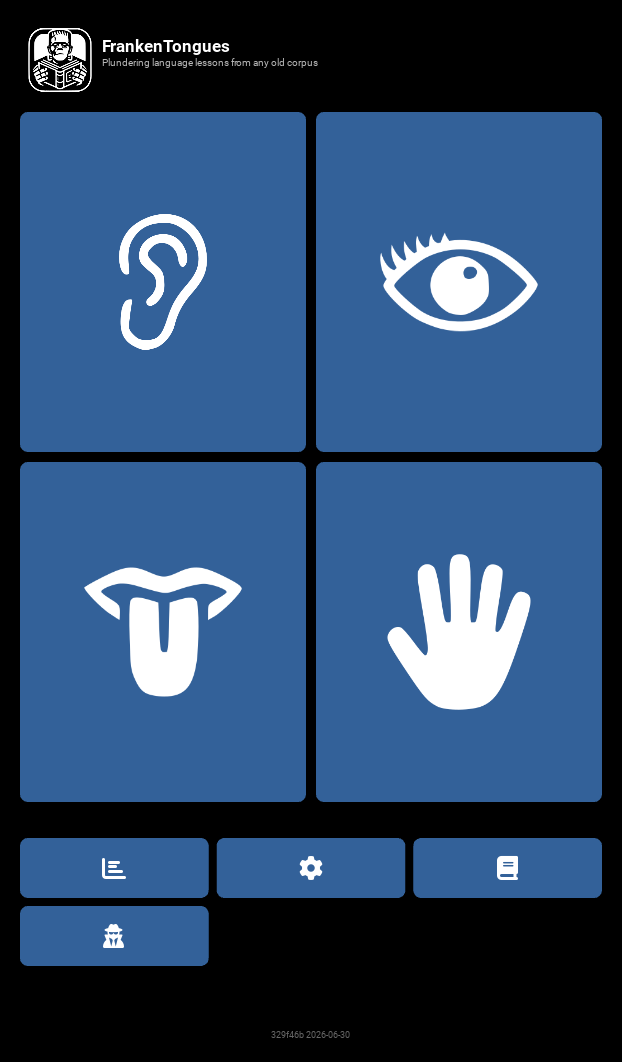
You want study labs? We got study labs. Whether you want to focus on your Eye, your Ear, your Tongue, or your Hand, Frankie now has all your linguistic body parts covered.
◇◆◇◆◇◆◇◆◇◆◇◆◇◆◇◆◇◆◇
I first reported the new Kivy UI direction back in May, but didn’t have anything to show you then. Well, I do now, because Frankie is officially functional in all the basic modes.
Ear Lab
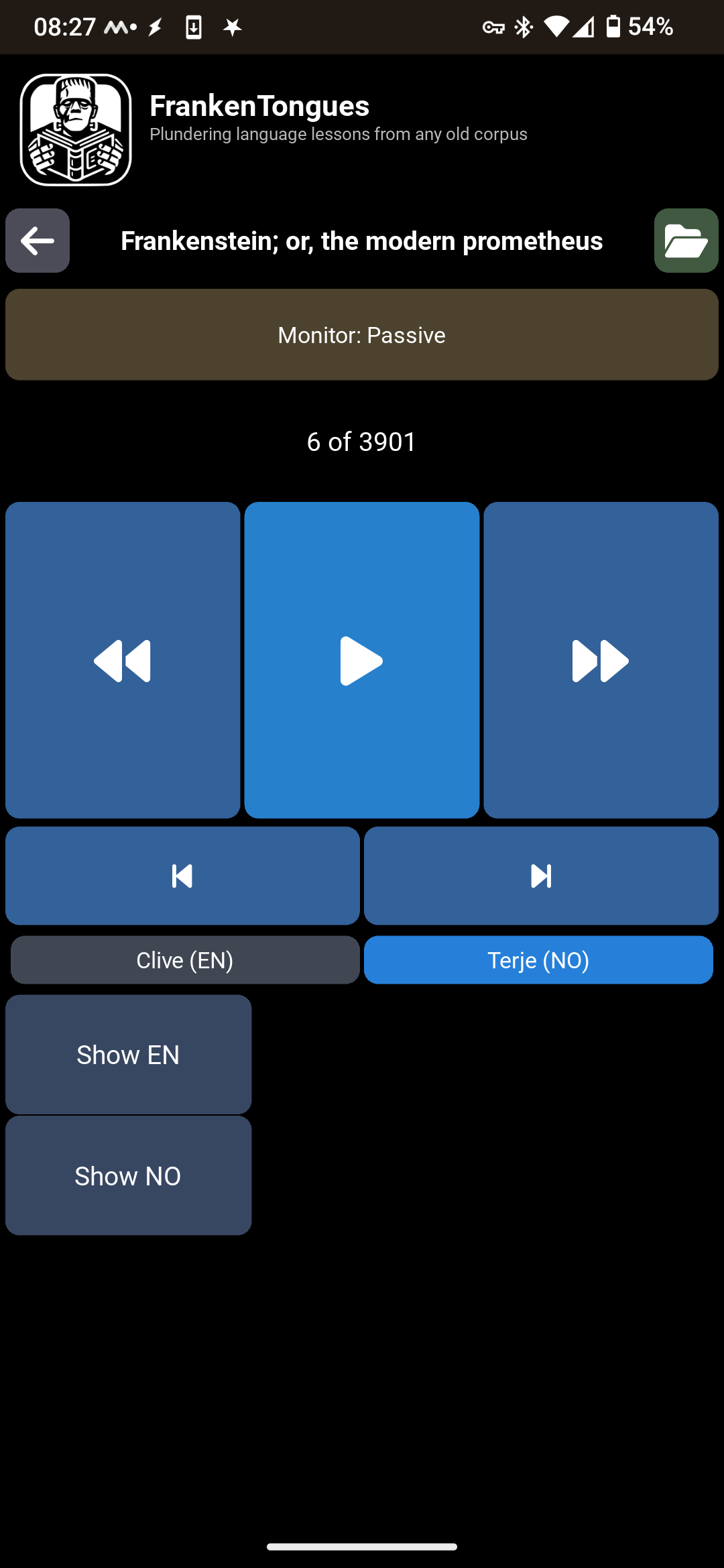
This mode lets you train you ear by listening to a book one sentence at a time. Replay a sentence as many times as you need until you’ve figured out what it means. Or if you can’t work it out, play the English translation as a hint, then repeat the norsk again. Once you’ve mastered that sentence, move on to the next one, working your way through any book you like at exactly your own pace.
No internet connection needed, because the FNKT doc you’re studying already has all the information Frankie needs, packed inside: text in both languages and audio recordings of each sentence, also in both languages.
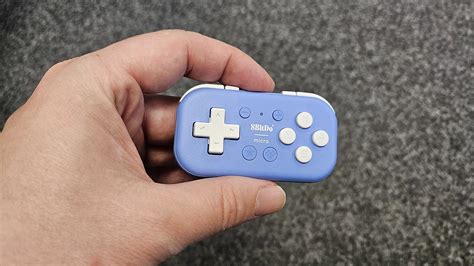
I like to use Ear Lab entirely in audio mode, ignoring the screen completely as I walk around my neighborhood with my phone in my pocket. Wireless headphones let me listen to each sentence and I use a mini gamepad to trigger replay in Norwegian or English, as needed, and then advance to the next sentence. It’s also a great way to get in some practice time while driving on long, cross-country trips.
Of all the study methods I’ve tried so far, this has been hands-down the most effective one I’ve found. Even after two years of studying norsk - time mostly spent reading norsk novels - I was still struggling at basic audio parsing. Even hearing the word boundaries was a challenge. But after only two months of Ear Lab work, I’m now listening to The Wizard of Oz and understanding the story. No need for slow audio, no need to check the text transcript or play the English translations. Just following. By ear.
Yes, I’m still painfully slow. Some sentences I have to listen to 20 times before I’m sure I’ve milked its entire meaning, but to go from “wall of Norwegian-flavored noise” to “I’m experiencing Oz entirely in spoken norsk” in just a couple of months is an enormous confirmation that this system works. At least, it is for me.
I’ve even starting to learn new words, by inference, completely from the norsk audio. And in my estimation, that may be the most important result yet. I’ve reached the point where my audio learning has become self-sustaining.
Eye Lab
One thing that has always bothered me about reading an L2 book in a normal ebook reader is the complicated dance required when I want to check a translation: drag select the passage, copy to clipboard, change to the translation tool, paste the passage, click “translate”, wait, and then get a completely context-free guess at what the English equivalent might be. In Eye Lab, you just tap the sentence and it changes to English.
Let me repeat that, because it went by so quickly you might have missed it: In Eye Lab, tap any sentence in your L2 book and it immediately changes to your L1. Tap it again and it changes back. This makes decoding problem sentences so much faster.
And again, it does all this completely offline. No need for an internet connection at all, because the translations are baked right in.
With the clunky old clipboard method, you needed access to the net. And even then, the translator you used didn’t have the whole story context to work with - it just got that one highlighted passage, taken completely in isolation. It had no way to know that the story is set in a magical world where people are dogs and fetch is their religion, so it had no chance of conveying the correct nuances when the protagonist refered to another character as a “clumsy stick-breaker.” But because FNKT books are translated whole, the word choices are always richly informed by the story context.
Depending on your reading level, Eye Lab lets you work your way through books by reading a sentence, a paragraph, or an entire multi-paragraph page block at a time. In each mode, you can still just tap any sentence to toggle it’s display language, but many people are intimidated by large blocks of L2 text, so this lets you start small and work your way up to scanning entire pages as you read.
Other Labs
I also have a Tongue Lab and a Hand Lab working, that let me practice speech and writing, but those labs are still highly experimental. I haven’t yet figured out the best way to train those skills using FNKT documents, so I don’t want to say much about how they work yet, because it’s still changing regularly.
The Library
I’ve got about 20 books built in FNKT format, each one complete with both English and Norwegian channels. Classic stories like Frankenstein, The Wizard of Oz, and Dr. Jekyll; modern Norwegian fantasy and crime novels; and I’ve even converted some of my own novels into FNKT.
My process for building them is still evolving, and currently only works on my desktop, where I have my most powerful tools. But once I’ve worked out the best way to create them, I’m hoping to adapt the process so that it can be run right inside Frankie, on your phone.
Worst case, there will need to be a companion tool that you run on your laptop to create your study materials. But regardless of where the creation happens, you’ll be able to take any book you already own, in any language, and produce a FNKT to study and learn from.
When FrankenTongues is ready to share publically, I’ll release it with a library of classic novels, so people can try it out without having to create their own FNKTs from scratch. But once you get a taste of how much fun Frankie can make language study, you’ll be converting your own favorite content as fast as you can.